What town am I in?
That's it. That's the app. A glanceable answer on your home screen, lock screen, watch, and CarPlay.

Everywhere you look
Hereish puts your current town on every surface Apple gives us. One piece of information, zero effort.
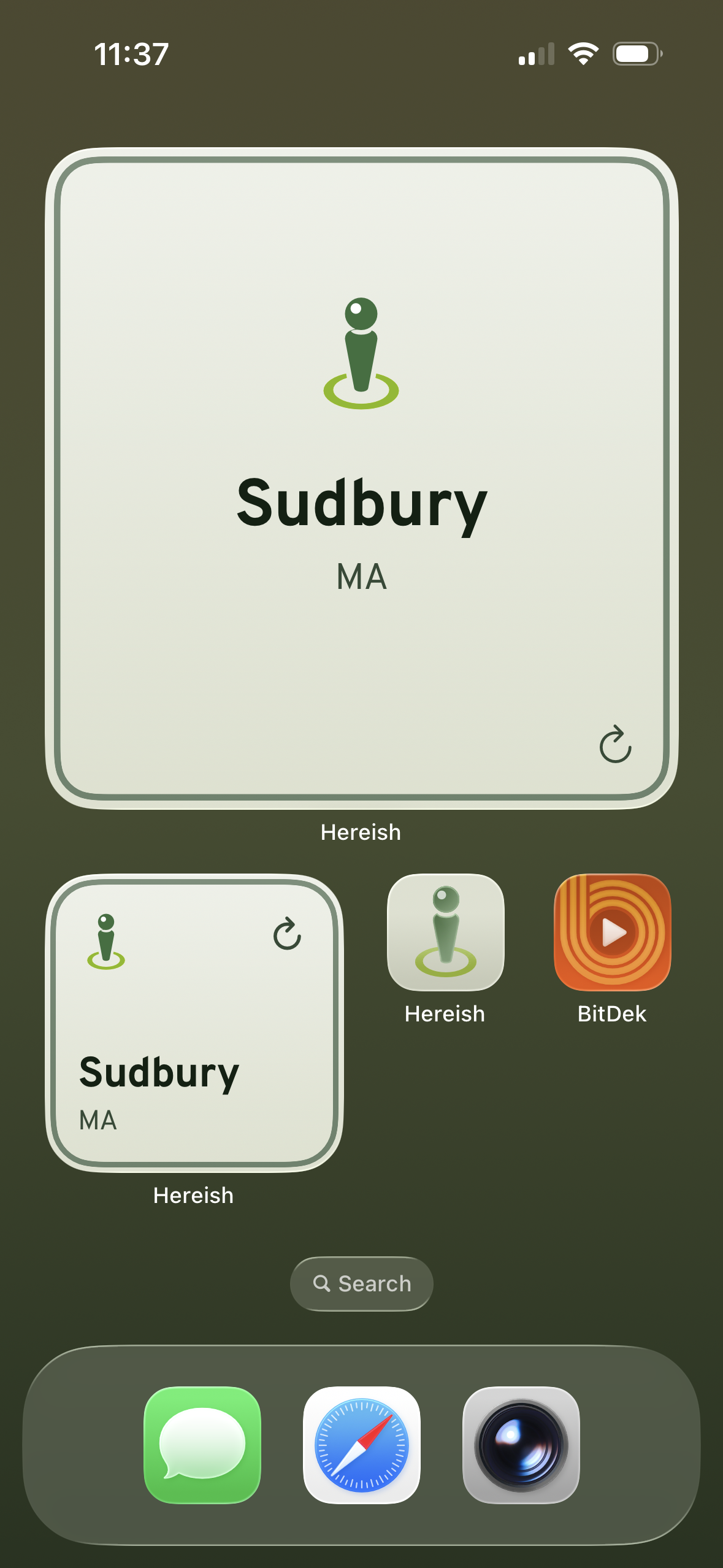
Home Screen
Small, medium, or large. Your call.
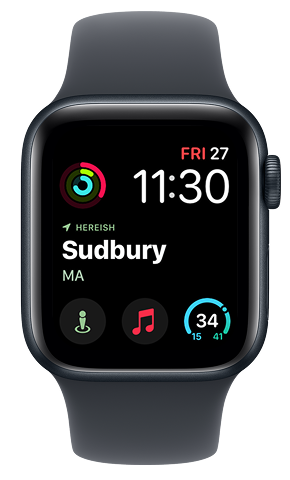
Apple Watch
On your wrist. Glance and done.
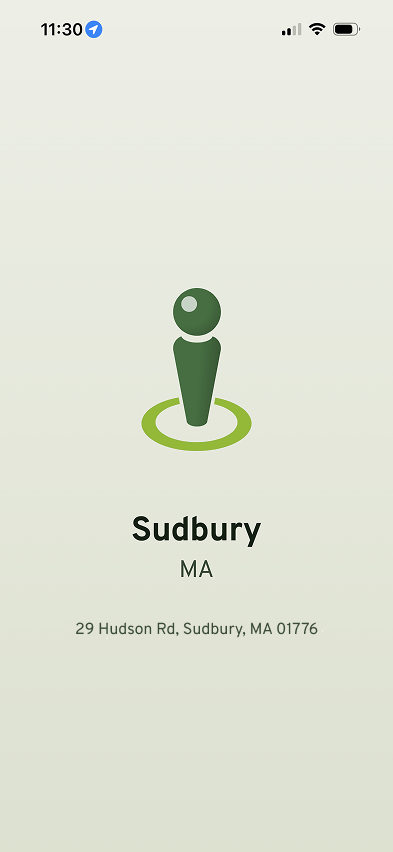
The App
Full address. Tap to copy. That's all it does.
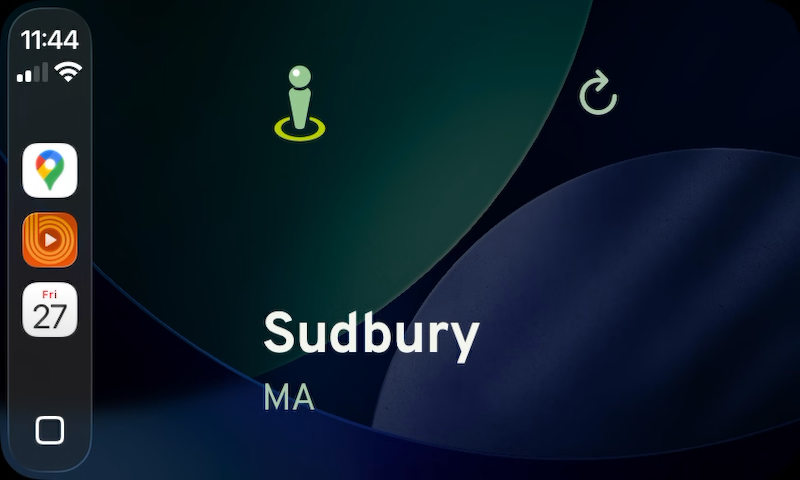
CarPlay
On your dashboard. iOS 26+.
How it works
Grant location
Hereish needs to know where you are. That's genuinely the whole app.
Add a widget
Home screen, lock screen, watch face, or all of them. Go wild.
That's it
Seriously. There is no step three. You now know what town you're in.
Your location stays on your device
No servers. No accounts. No analytics. No tracking. Your location is processed entirely on-device and cached locally. We couldn't spy on you even if we wanted to.
Read the privacy policyKnow where you are
$2. No subscription. No ads. No data collection. Just one answer.